What you need
An email address, and a watch or phone that records your training. Use Train Ultra on the web at trainultra.app, on iPhone, or on Android. Your account is the same on every device.
There is no password. You enter your email address, and Train Ultra sends you a six-digit code to sign in.
Your first few minutes
- Create your account with your email address.
- Connect Garmin, COROS, Apple Health, or Health Connect.
- Let your coach read your recent training. It writes your first read when your workouts arrive.
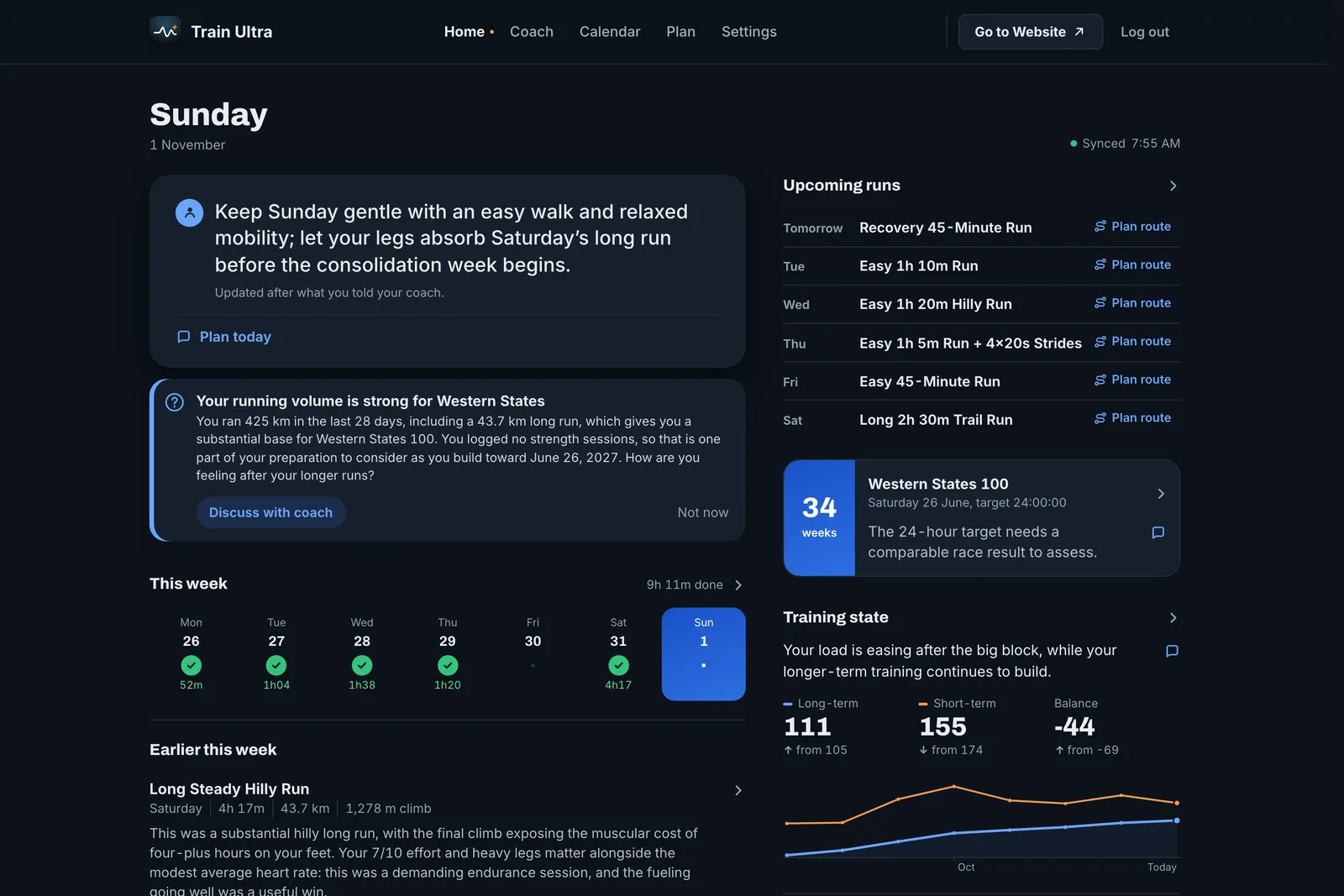
- Open Home to see what your coach makes of your training today.
- Ask your coach a question. Try "How does my last month look?" or "What should I do tomorrow?"
What you get first
A new account starts with 14 days of everything in Pro. That includes your coach with memory, goals, planned workouts on your watch, and Route Planner.
Three things to try this week
- Tell your coach about your next race, or set a goal in Plan. Your evaluations then measure each workout against it.
- Ask your coach to plan next week. It puts the workouts on your Calendar, and on your watch if you use Garmin or COROS.
- Rate your next workout and add a note. Your coach uses it in the evaluation and remembers it later.