What your coach can do
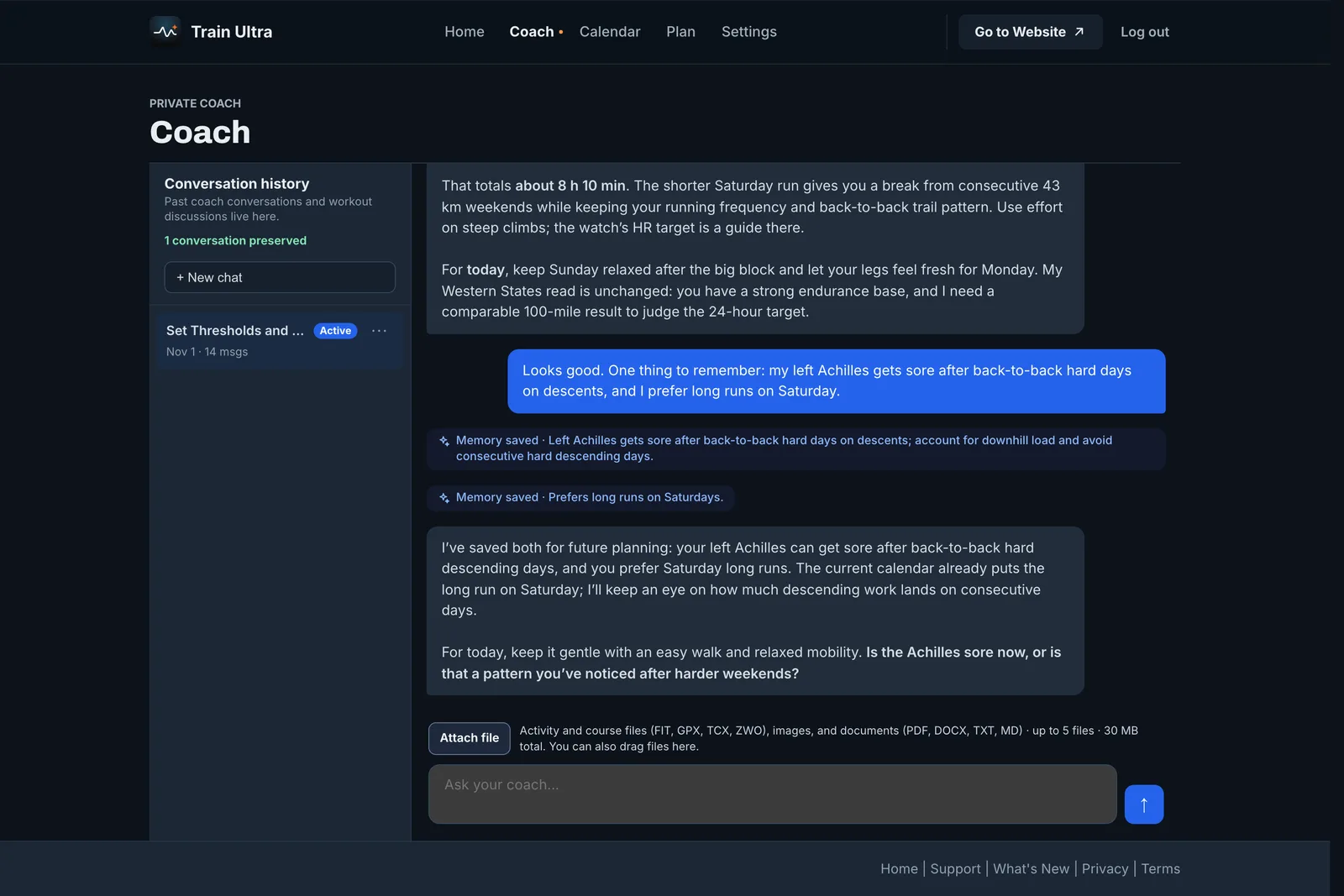
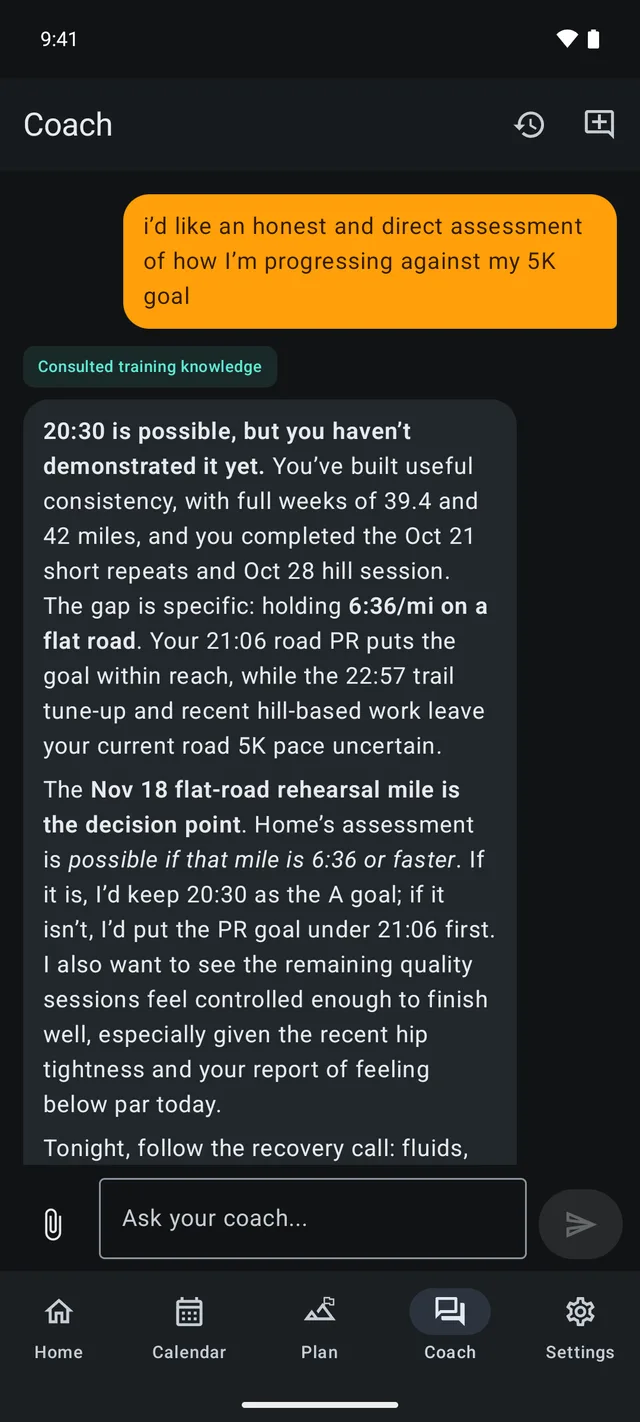
Talk to it the way you talk to a coach who knows you. It answers from your own numbers, not from a general plan.
- Review a workout, a week, or a full block.
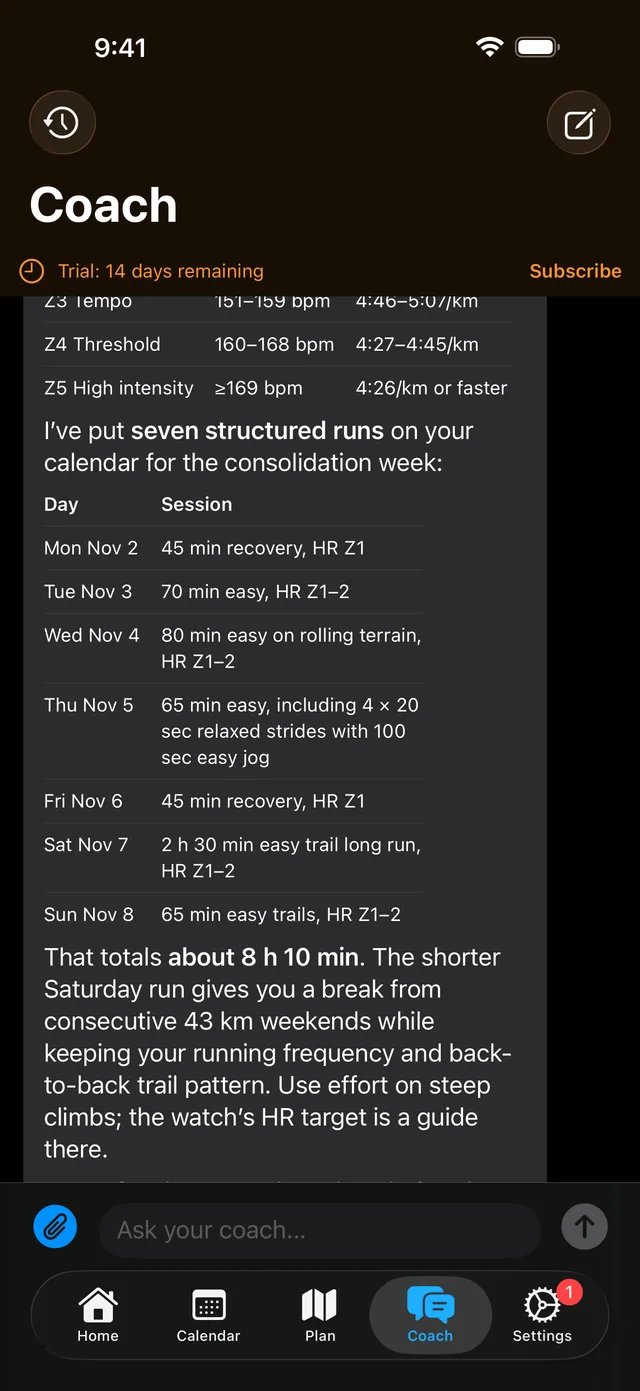
- Plan a day or a block, and put the workouts on your Calendar.
- Move or change a planned workout.
- Set a goal, and set your training zones.
- Compare two visits to a route, or plan a new route.
- Check its training playbook for numbers such as fueling, taper, and heat.
Questions to start with
- How did my last two weeks look, and what would you change?
- I slept badly and my legs are heavy. What should I do today?
- Plan my next four weeks for my race. I can train six days a week.
- Move Thursday to Friday. I have a work trip.
- Am I ready for this course? What am I missing?
Start from what you are looking at
You do not have to explain the context. Select Discuss on a workout, or the Coach action on Home, a goal, or a chart. Your coach opens the conversation already looking at that item.
Send files
Add a file to a message, then ask about it. You can send images, PDF, Word (DOCX), text, Markdown, FIT, GPX, TCX, and ZWO files. Each message takes up to 5 files and 30 MB in total.
A FIT file gives your coach information about a workout. It does not add a workout to your history.
Your conversations
Train Ultra saves each conversation. Open History in Coach to return to one. When you delete a conversation, its text goes away, but your planned workouts, goals, and Coach Memory stay.
Your coach replies in the language you write in.
Who can use it
Coach is included with Pro and with a trial.