Open the builder
- Open Calendar and select a day, or open a planned workout.
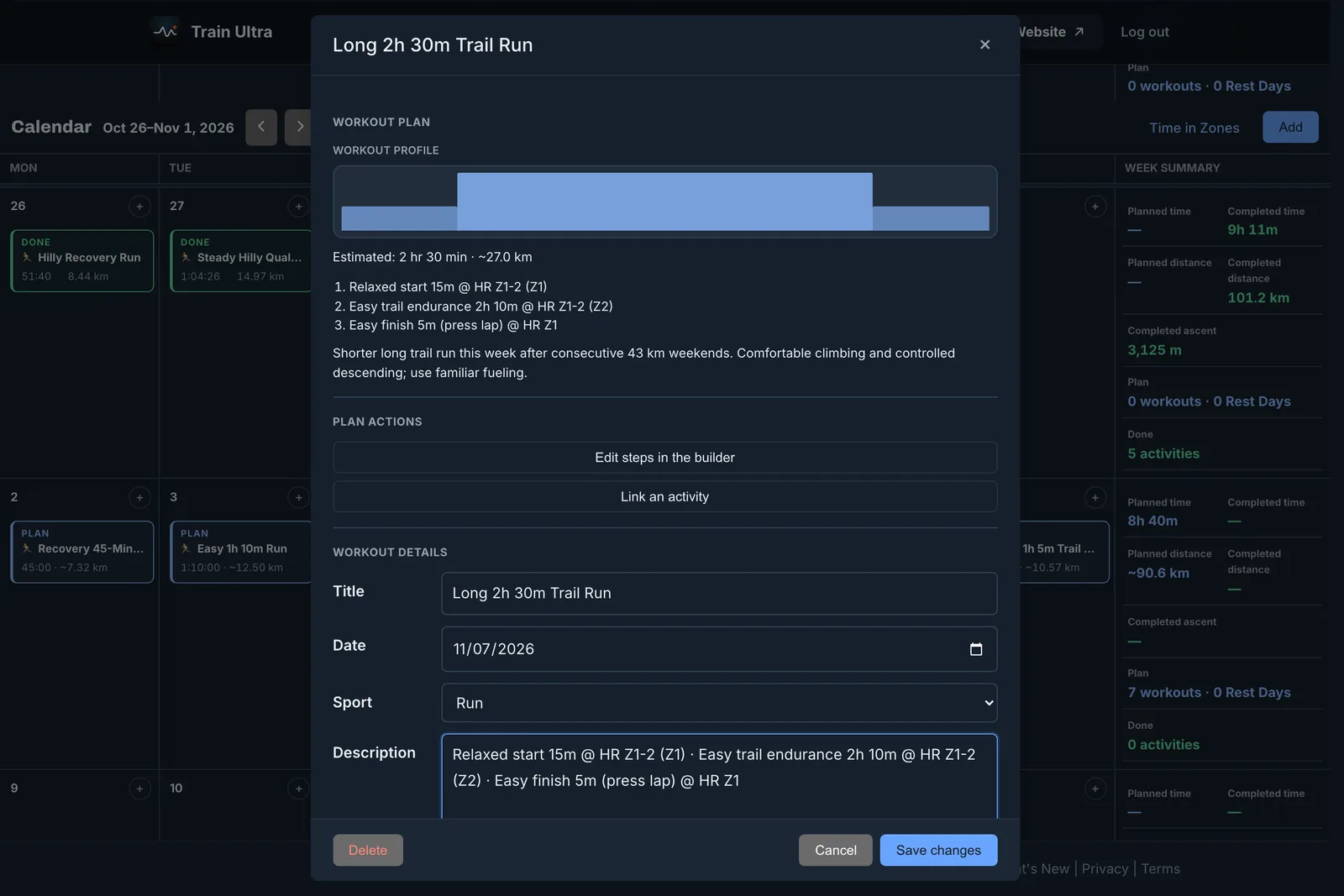
- Choose to build the workout yourself, or select Edit steps in the builder.
- Add steps and repeats.
- Save the workout.
What a step can do
- Run for a time or a distance.
- Hold a target, such as a heart rate zone or a pace.
- Sit inside a repeat, such as 6 × 2 minutes with a recovery.
- End on the lap button. The watch shows the step until you press lap.
Download a workout file
On the web, open a structured run or ride on Calendar, and select Download .zwo or Download .fit. TrainingPeaks and Zwift read the .zwo file, and the .fit file goes into Garmin Connect.