Skip to content
Train Ultra

Training

Training Zones

Your coach uses your zones to plan workouts and to understand how hard you trained. Set them once in one place, and change them when your fitness changes.

Updated November 1, 2026

Set your zones

Heart rate zones need your lactate threshold heart rate, and your coach can explain how to find it.

  1. Open Settings, then Training Zones.
  2. Choose a metric: Heart Rate, Running Pace, Running Power, or Cycling Power.
  3. Save your threshold. Train Ultra calculates the zones.
  4. Change the boundaries yourself if you want to.
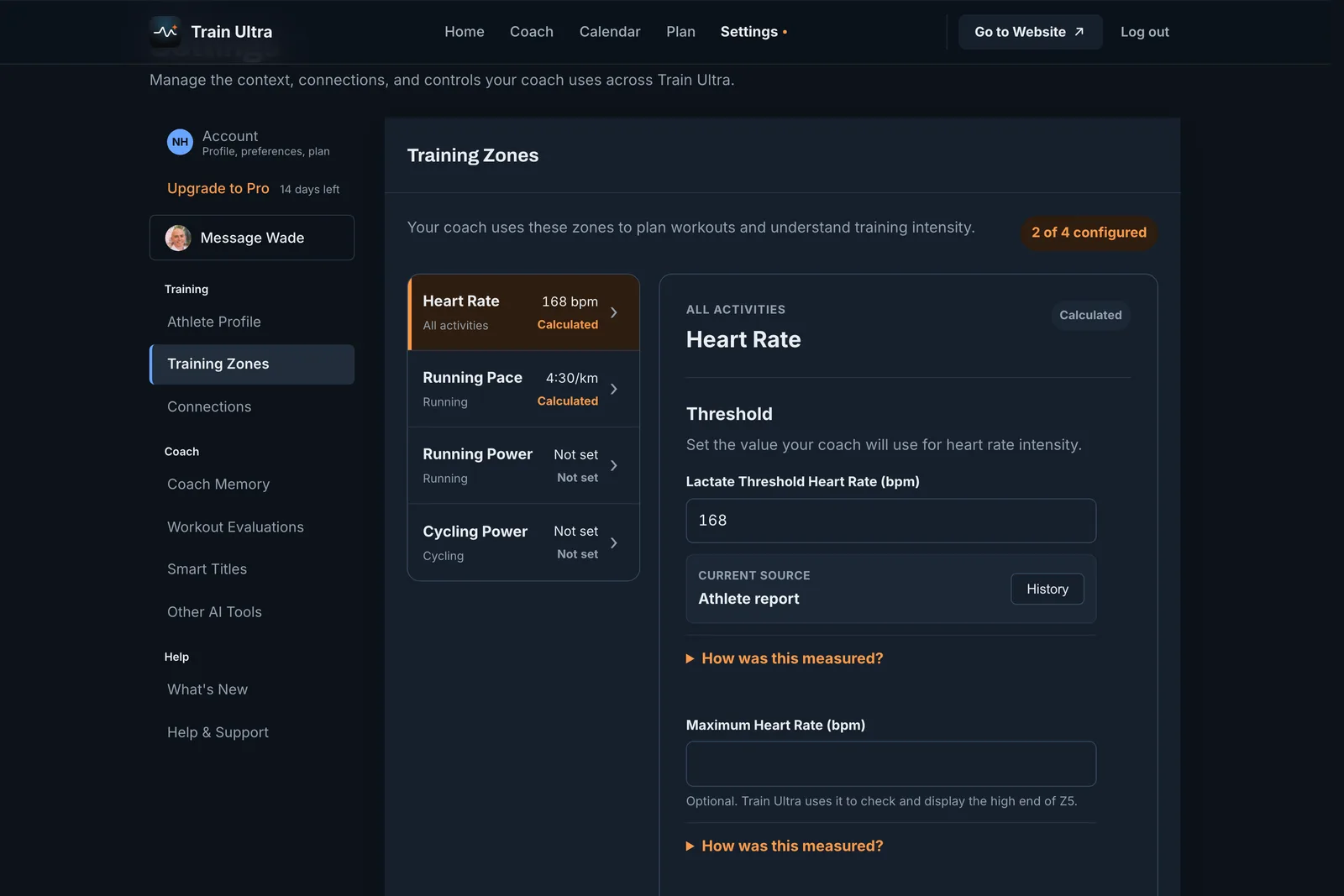
Training Zones in Settings on the web, with four metrics and a lactate threshold heart rate of 168 bpm
Training Zones on the web.
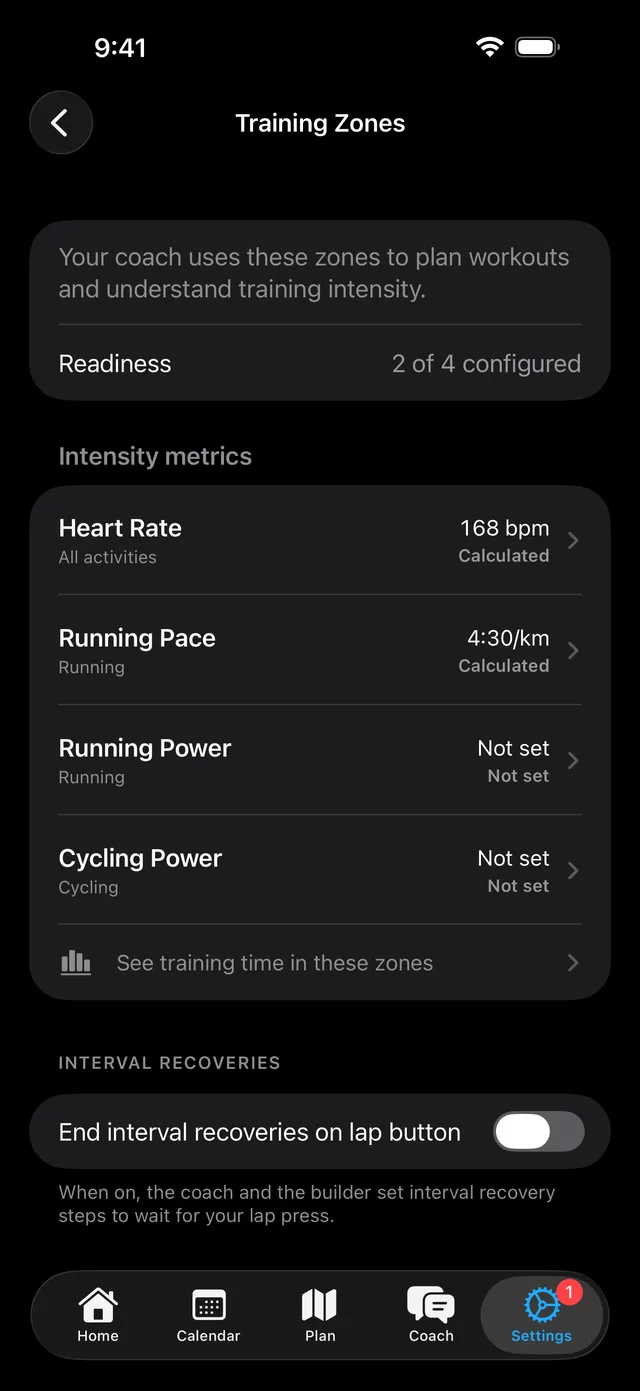
Training Zones on iPhone with Heart Rate and Running Pace calculated and a lap button switch
On iPhone, with the lap button setting below the metrics.

Let your coach do it

Tell your coach your threshold, and it saves the value and calculates your zones with you.

  • My lactate threshold heart rate is 168. Set my zones.

When a provider finds a new value

Training Zones can show a value from a supported provider beside your current one. Train Ultra changes nothing until you choose to use it. Each value keeps its source, so you can see where it came from.

End interval recoveries on the lap button

Turn this on, and your coach and the workout builder set interval recovery steps to wait for your press. Your watch holds each recovery until you press lap.

Related guides