On one workout
Each workout has its own Time in Zones. It uses the zones that were active when the workout started, so a later change does not rewrite your history.
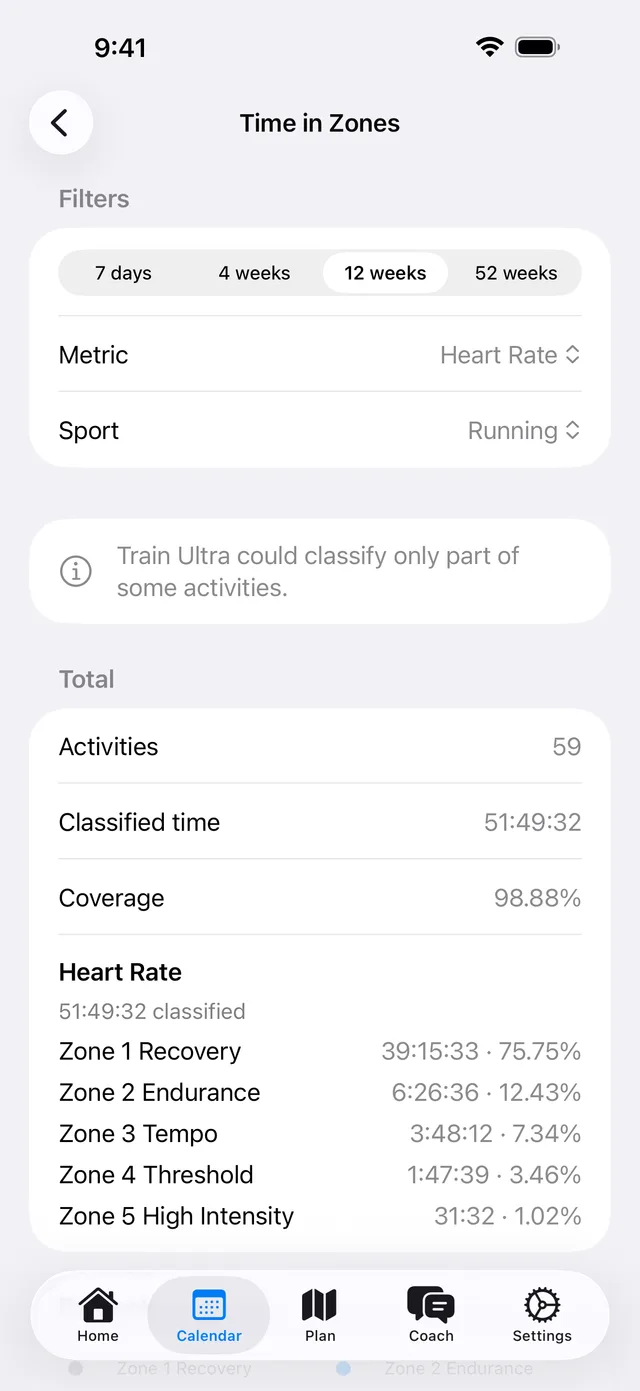
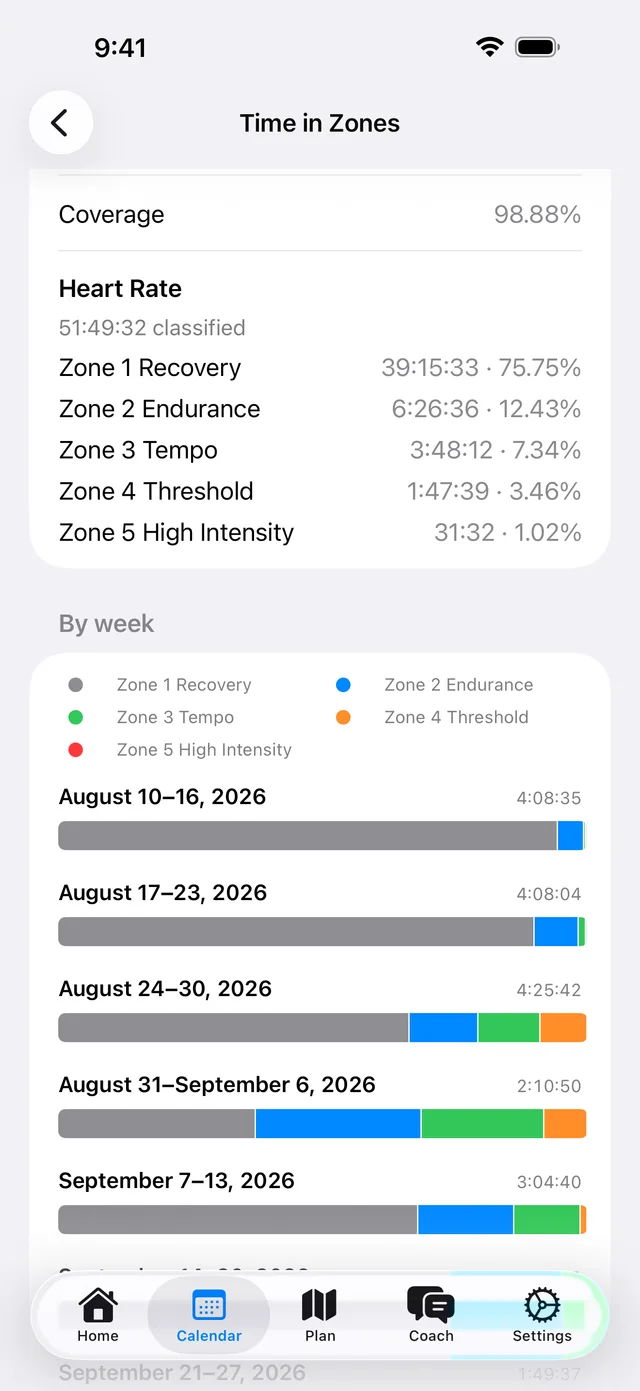
Over weeks and months
- On the web, open Calendar and select Time in Zones. In the apps, open a workout and tap View trends.
- Choose 7 days, 4 weeks, 12 weeks, or 52 weeks.
- Choose a metric and a sport.
Ask your coach
Your coach can read your saved Time in Zones for one workout or a date range. It keeps Heart Rate, Running Pace, Running Power, and Cycling Power apart.
- How much of my last 12 weeks was really easy?
What it needs
- Your Training Zones must be set.
- The workout must have a data file with heart rate, pace, or power over time, such as a workout from Garmin or COROS.