
Read your training
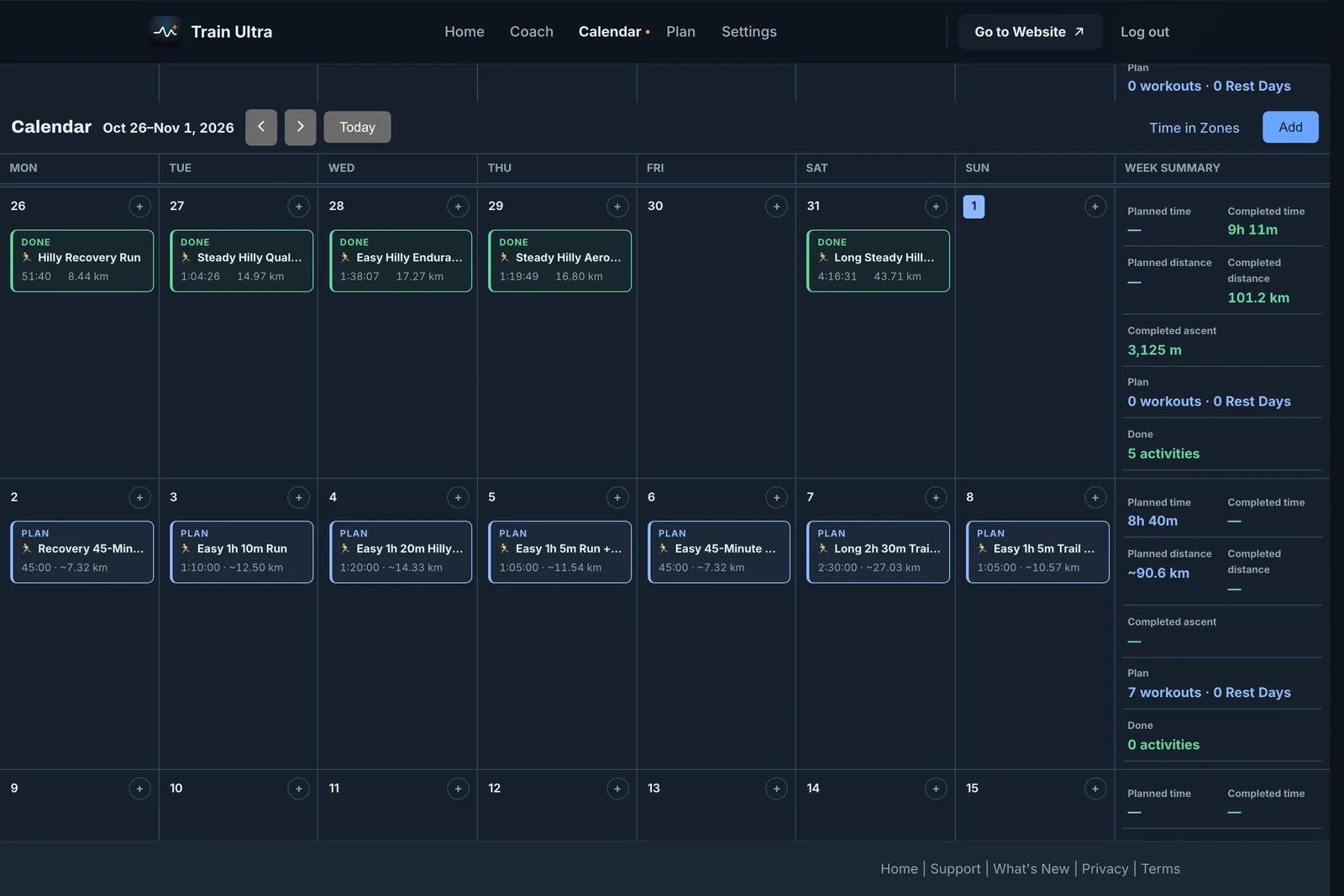
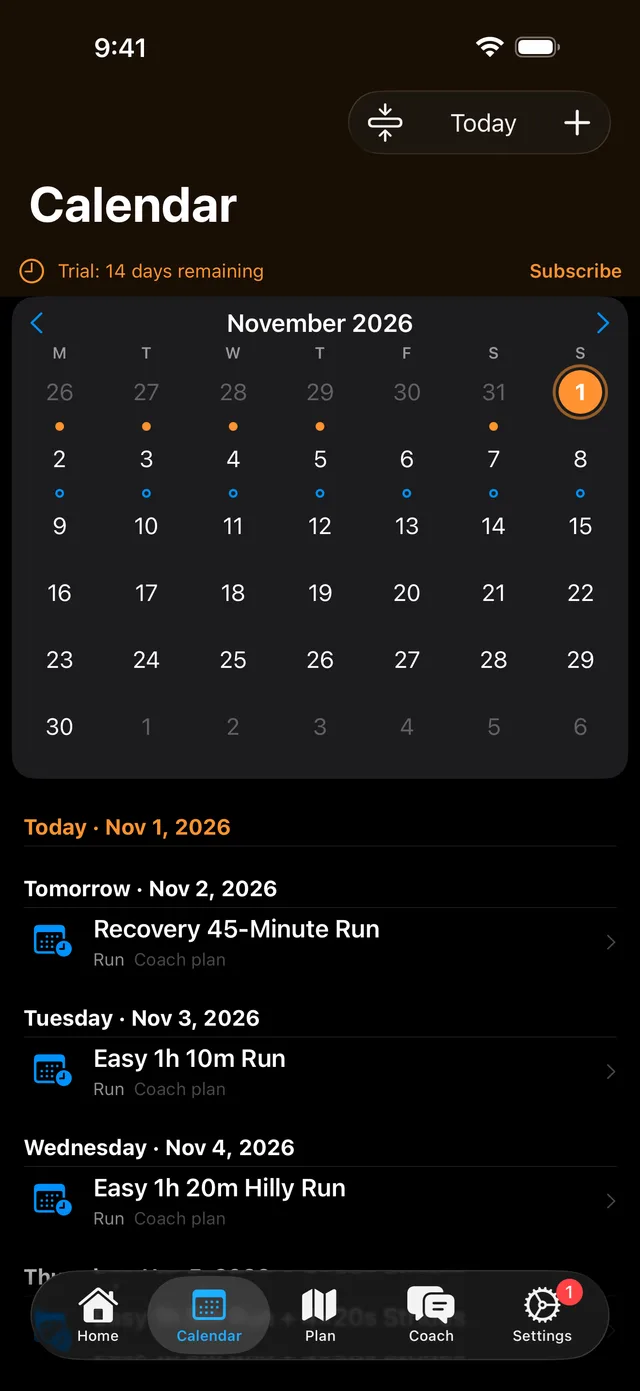
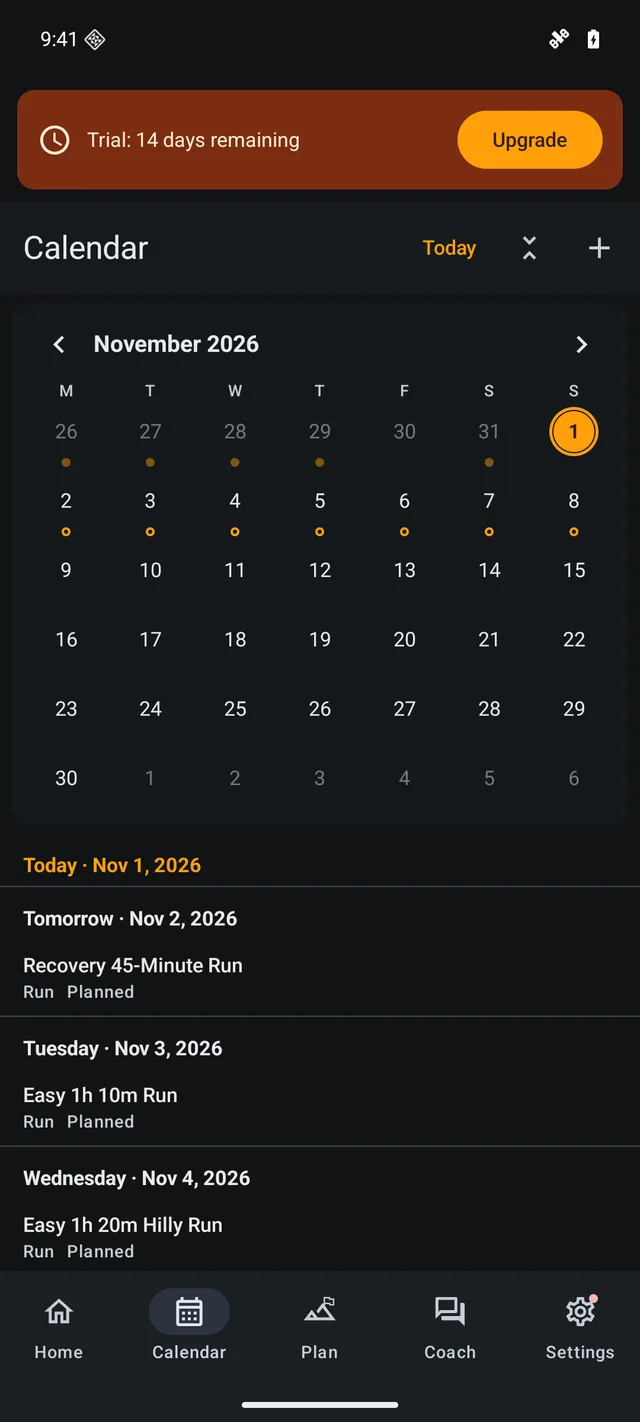
On the web, Calendar shows full weeks with a summary of planned and completed time, distance, and climbing. On iPhone and Android, it shows a month above a list of days.
Plan a workout
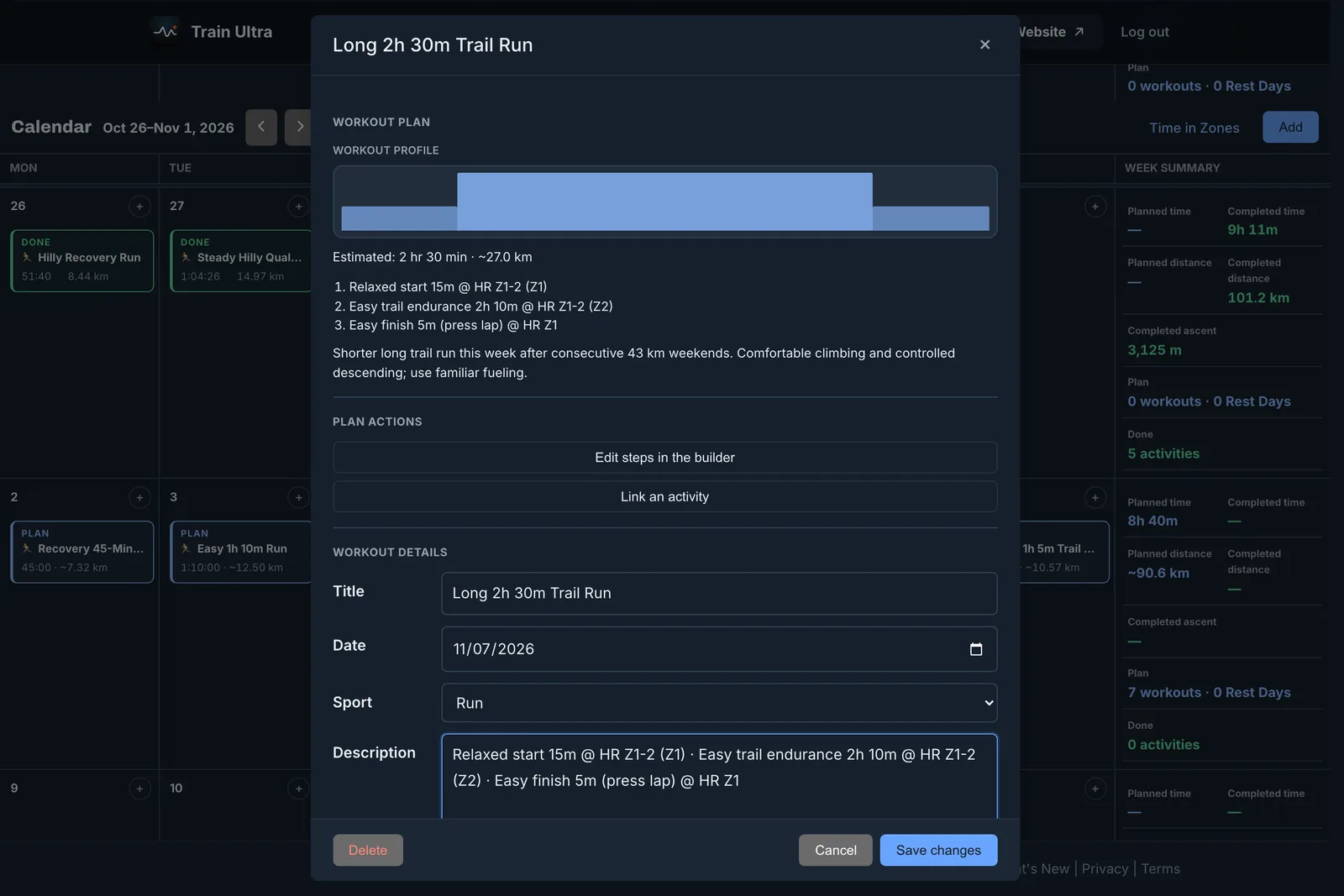
Open Calendar and select a day. You then have three ways to plan:
- Talk it through with your coach in a short conversation.
- Build it yourself step by step in the workout builder.
- Open Coach and ask it to plan a day or a full block.
Add life to your Calendar
- Notes: add a flight, a work trip, or a late night to one day or to several days. Your coach reads your notes, and Train Ultra does not post them to Strava.
- Rest Days: add or remove them on any day.
- Check-offs: your coach can assign short strength, core, or mobility work, and you mark it done on Home or Calendar.