Choose a style
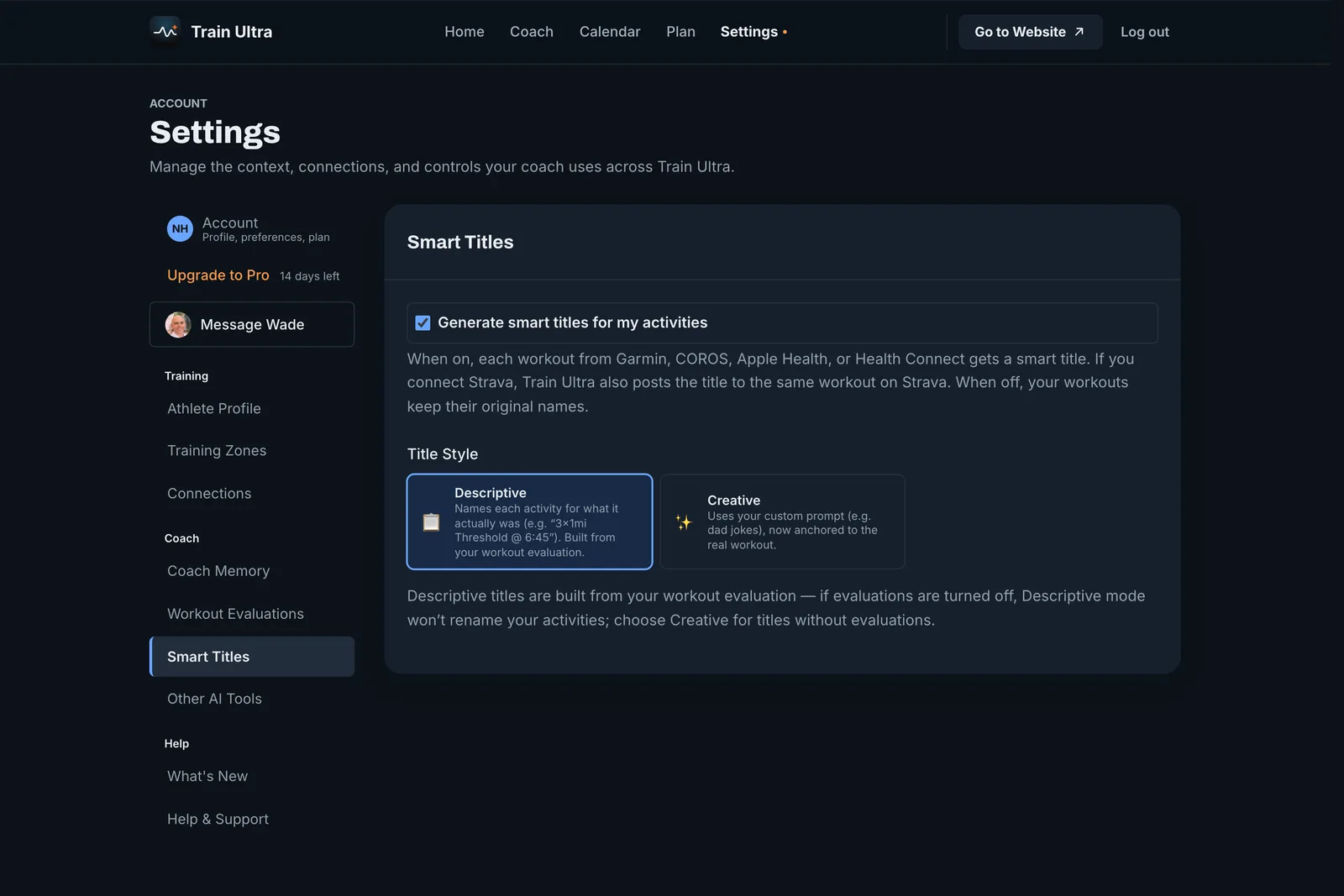
- Open Settings, then Smart Titles.
- Keep titles on, or turn them off.
- Choose a Title Style.
- Descriptive names what you actually did, from your workout evaluation. It needs evaluations on.
- Creative uses your own custom prompt, so that your titles can have a voice.
Titles on Strava
If you connect Strava, the title also replaces the default title of the same workout on Strava. Train Ultra does not read your workouts from Strava, so a Garmin, COROS, Apple Health, or Health Connect source must record the workout too.
Get a new title
Open the workout and open the More menu.