Start a route
Start in any of these places:
- Open a planned run and select Plan a route.
- Ask your coach.
- Use your coach's pick on Home.
- Open Plan, then Plan a route.
Choose and change it
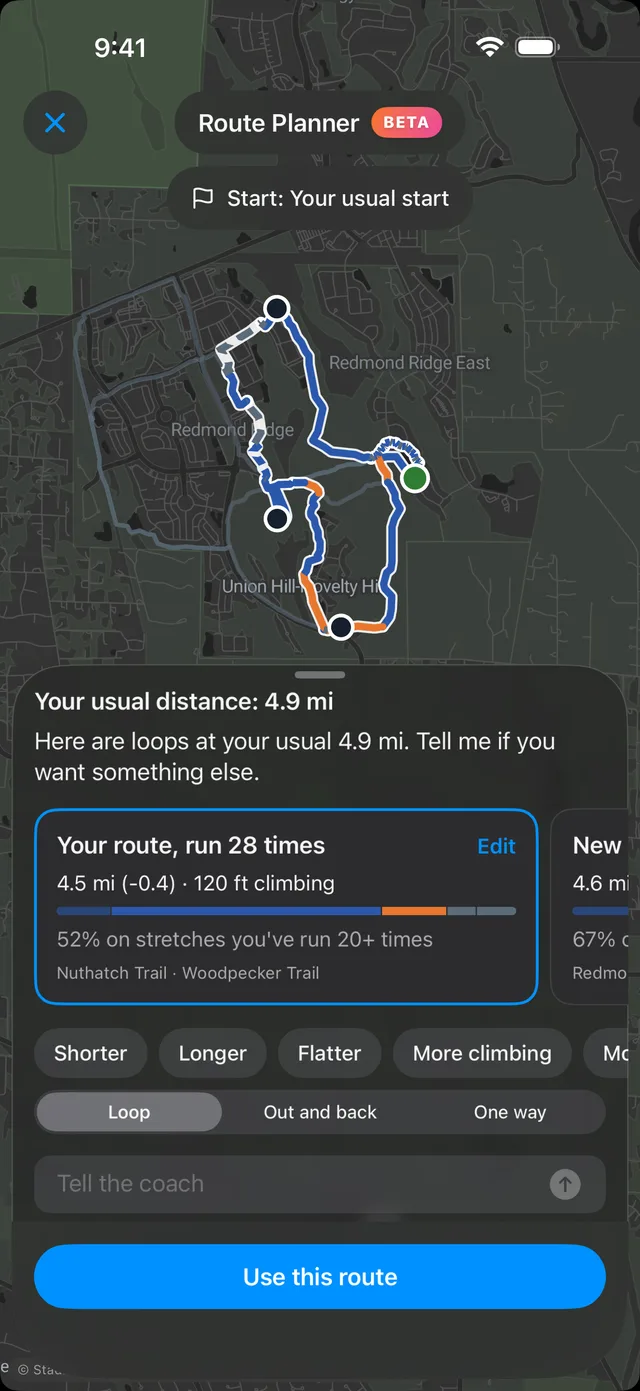
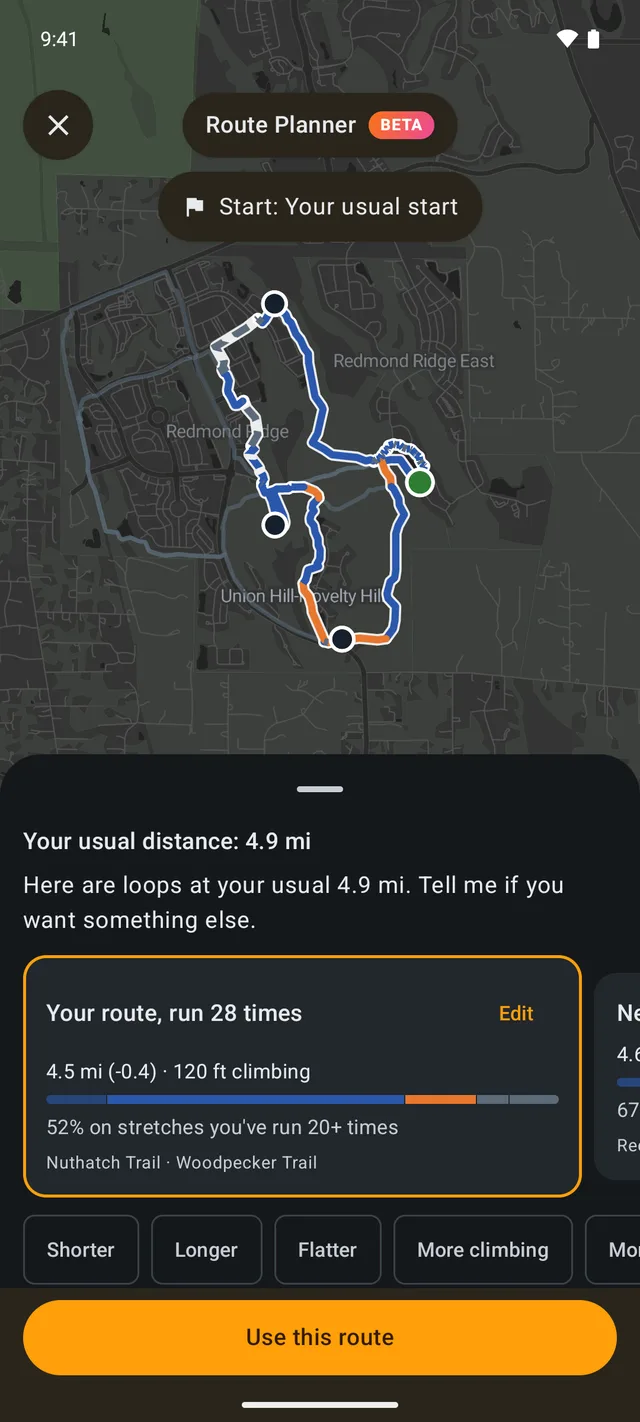
Your coach suggests routes from the trails you run most, and shows how much of each route you know. Make one shorter, longer, or flatter, or move its pins. You can also choose a loop, an out and back, or a one-way route, or tell your coach what you want.
Take it with you
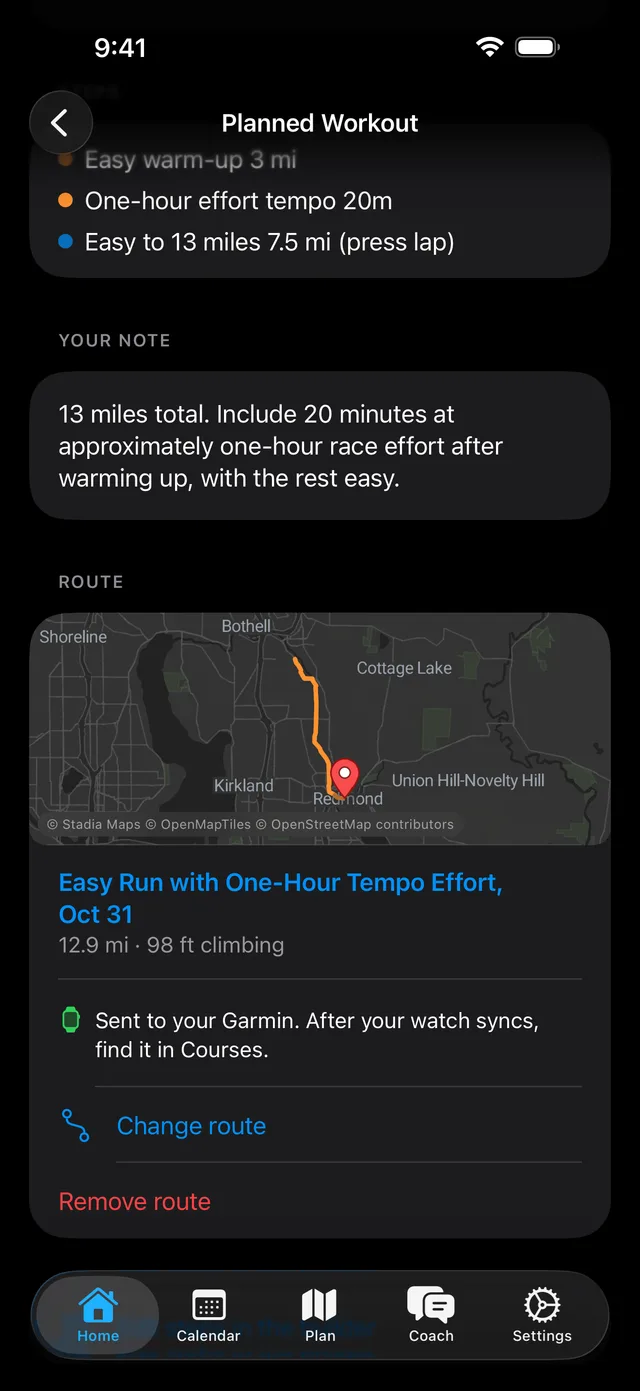
Save the route to your run. With Garmin connected, it goes to your watch as a course. After your watch syncs, find it in Courses.
If you connected Garmin before October 27, 2026, choose Update Garmin permissions in Settings, Connections one time.
Who can use it
Route Planner is in Beta, and it is included with Pro and with a trial.