
Add a goal
Your coach uses your goal on Home and in your workout evaluations. Finished goals move to Past goals.
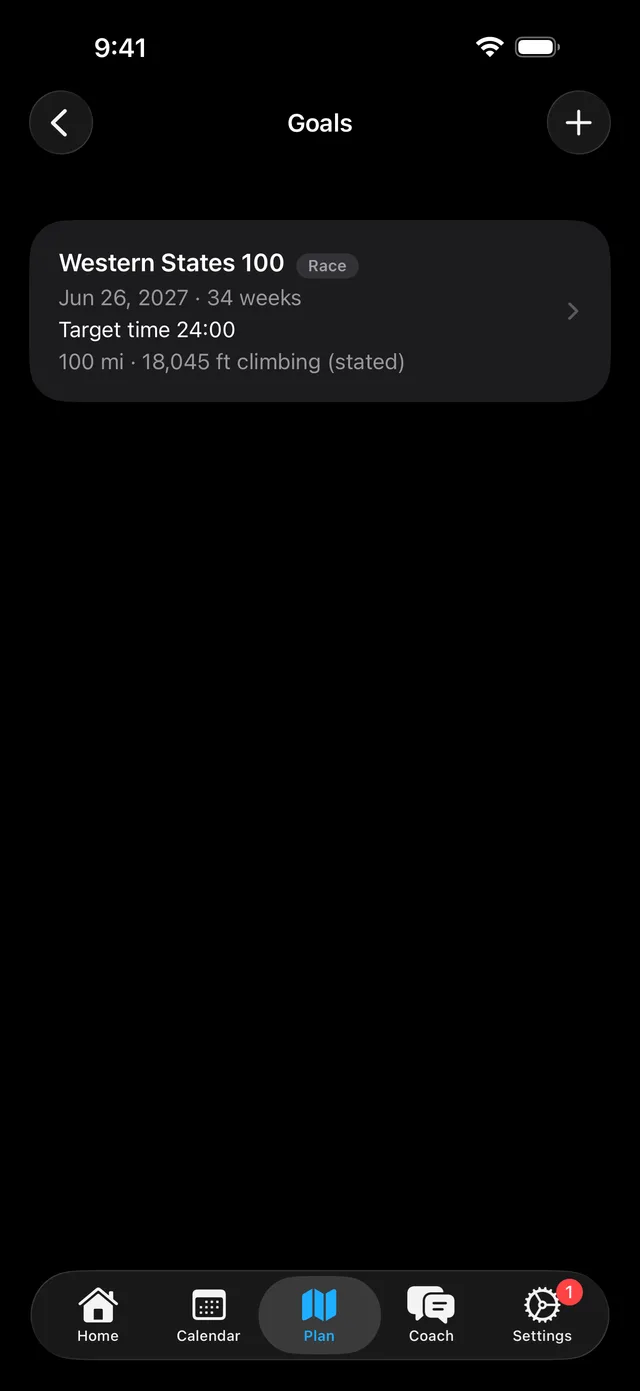
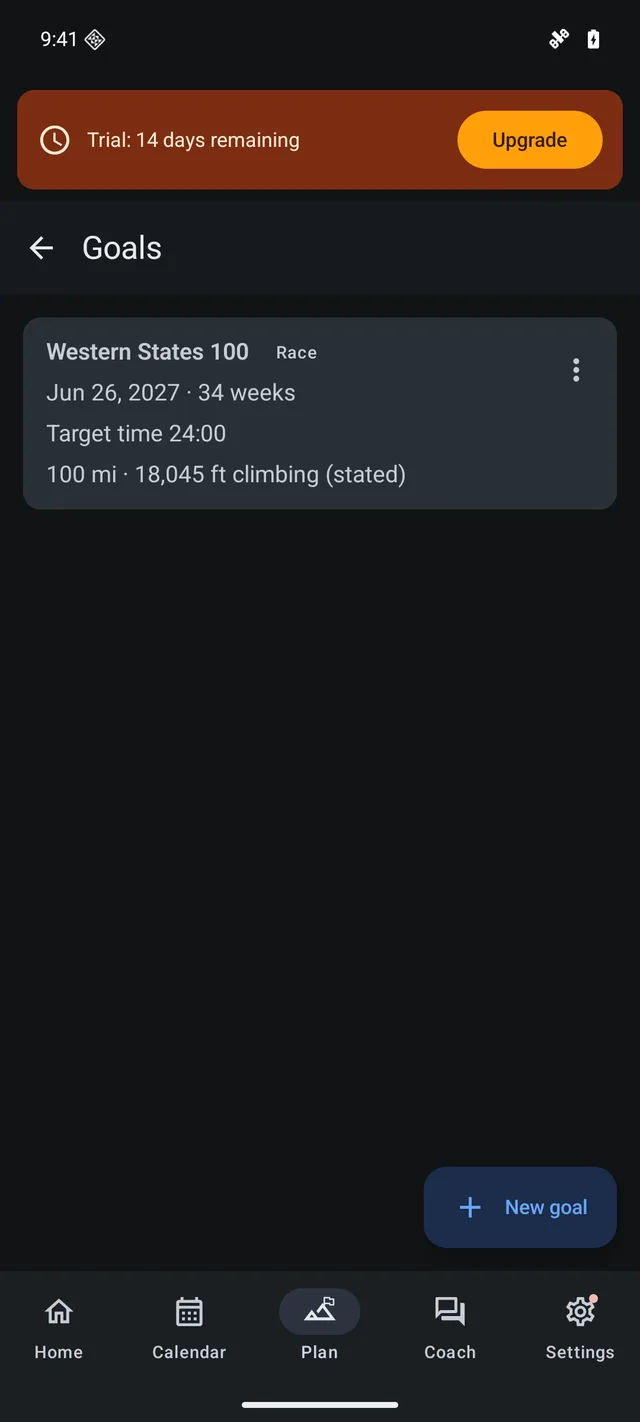
- Open Plan, then Goals, and add a goal. You can also tell your coach.
- Say whether it is a general goal, a race, or a personal challenge.
- Say what success means to you. For a race, add the date, the distance, and the climbing.
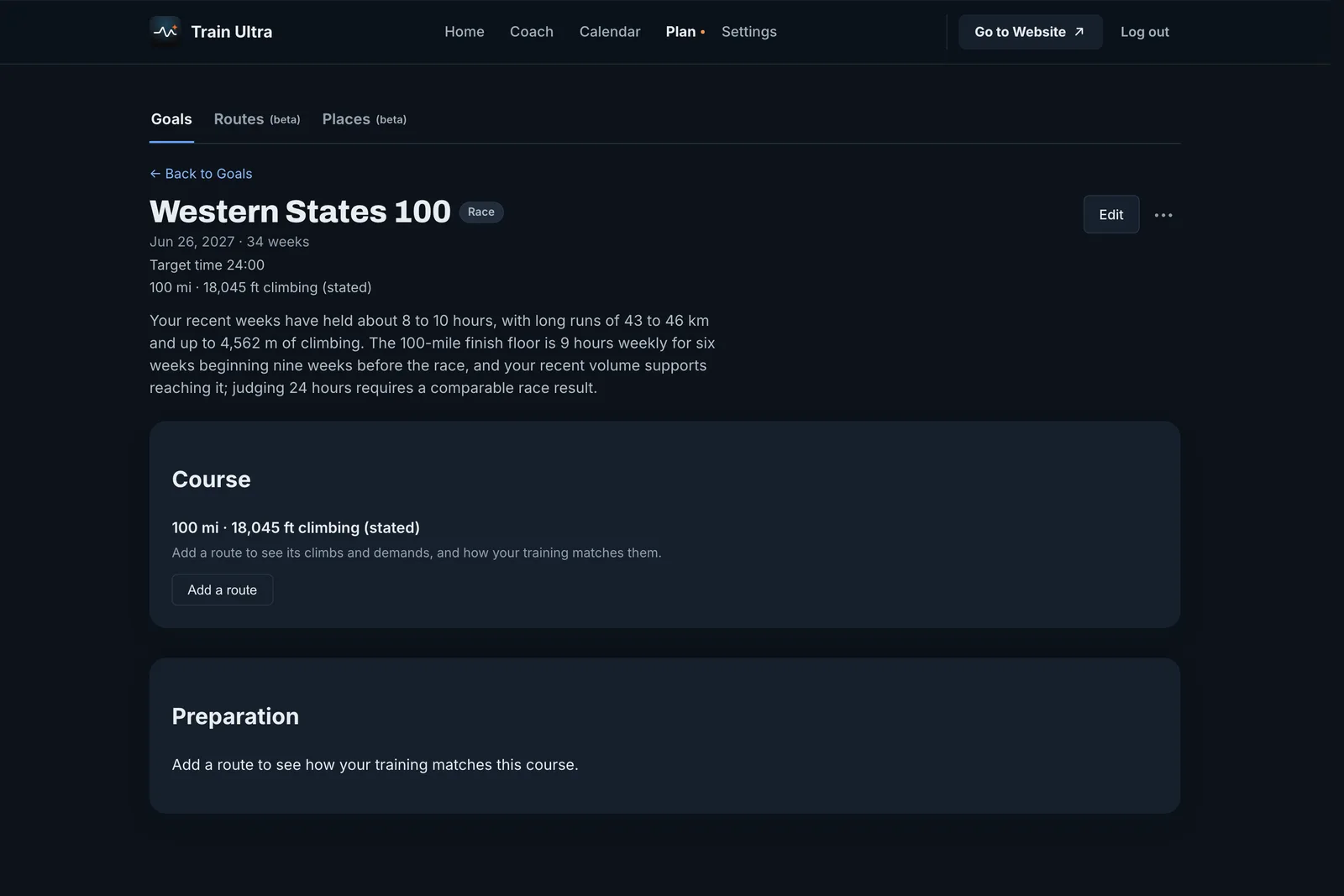
Prepare for a race course
- Add a route to your goal, from your Routes or from a course file.
- Train Ultra shows the climbs, the waypoints, and what the course asks of you.
- Preparation rates each demand as Practiced, Limited practice, or Unknown, from your own workouts.
- Your coach can propose Calendar changes for you to review and apply.
Who can use it
Goals are included with Pro and with a trial.